
Take bookings for everything you run.
Put every class, course, event, coaching hour and trip you run on one page, and share it anywhere. Climbers book in a tap, with no account and nothing to download. Free and pay-at-the-gym bookings never cost you a thing to run. It is the same page and the same setup whether you run a gym or coach on your own.
The one link you share.
Share one page and everything you have on sale is on it, in date order: classes, courses, events, coaching and trips together. Climbers search it, filter by what they are after, or flip to a week timetable. It works signed out, and it looks right on a phone.
North Bloc
All times shown in the gym’s local time.
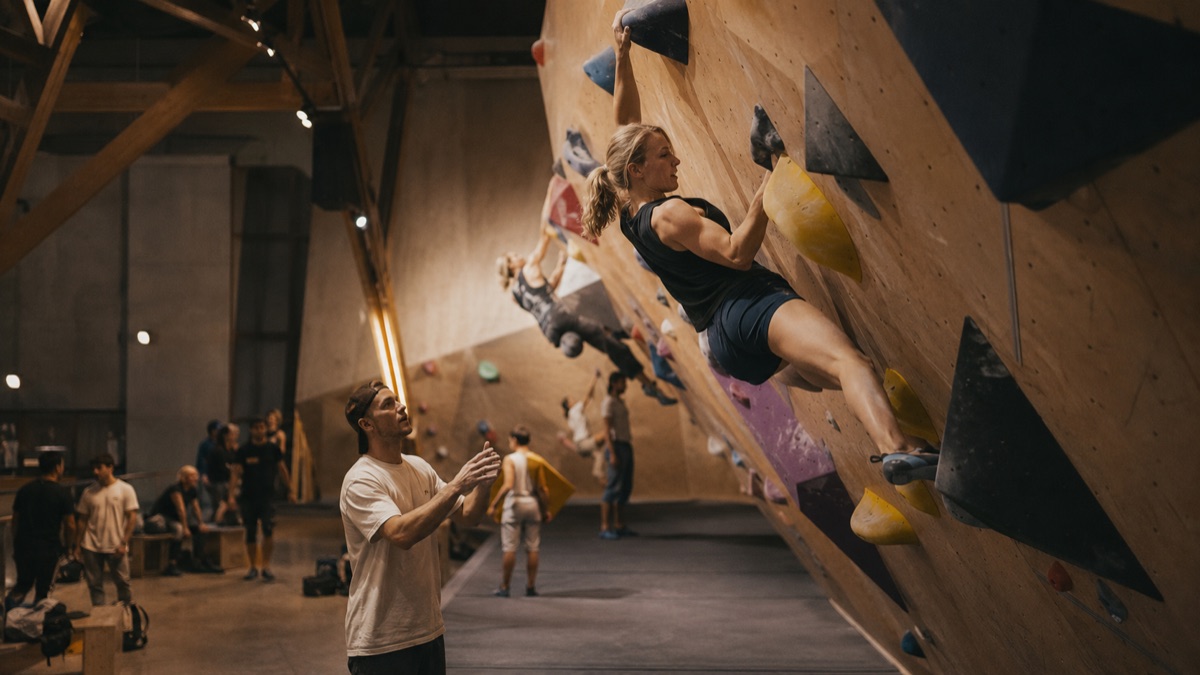
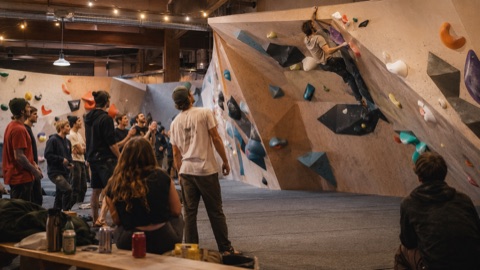
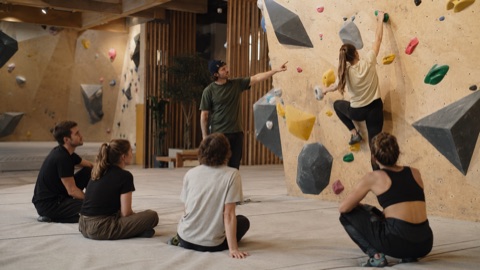
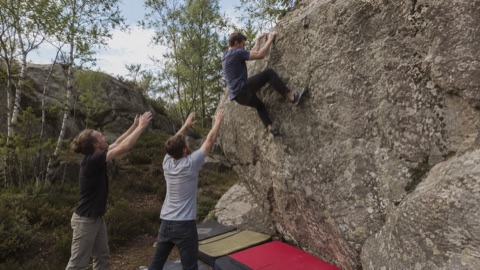
One tool, five kinds of booking.
Everything you sell is one of five kinds. Pick a kind below and see the page climbers get for exactly that kind.
- Weekly class
- Runs on set weekdays, like a Tuesday technique night.
- Single event
- A one-off on its own date, like a Friday social jam.
- Course or term
- Sign up for the whole block and hold a seat in every session, with optional single-session drop-ins and a reduced price for joining part-way.
- Coaching hours
- Open times climbers pick from. You set your hours and the bookable slots are worked out for you.
- Outdoor trip
- Departures with real logistics: what is included, what to bring, and pickup spots with times.
New booking
What are you offering?
Pick what it is. You set the schedule, price and policy after.
On your booking page
What a tap opens
Every kind gets its own shape on the same booking page.
Describe the pattern once.
Pick the days, a start time and how many weeks, and the whole term appears below. Then tap any date to change it or cancel it. Your edits stick: a cancelled date never comes back on its own, a change is never undone, and the rest of the term is never disturbed.
Weekly class
One rule, a whole term
Set the pattern once. Pick the days, a start time and a length, and every date in the term appears below. Change or cancel a single date without touching the rest.
Tap any date to change it (a guest coach, fewer spots) or cancel it. Staff edits stick: the automatic weekly update never brings a cancelled date back, and never undoes a change you made.
Publish once. Climbers book any date from the same page.
A booking is a code.
When a climber books, they get a QR, a short code and a link to manage it, and that is the whole thing. They can view or cancel from the code alone, and cancelling frees the spot right away. Signing in just prefills their details. It is never required.
You’re booked
Keep this page or take a screenshot. This code is everything you need, no account or app required.
Open time, worked out for you.
Set your open hours and a few rules once, and the bookable times are worked out for you. A booked time drops off for the next climber, and nothing is ever offered that would run past closing. This is how an independent coach, or a gym’s own coaches, sell one-to-one time.
One-to-One Coaching
Availability
Open hours
- MondayClosed
- TuesdayClosed
- Wednesday17:00 – 20:00
- ThursdayClosed
- FridayClosed
- Saturday17:00 – 20:00
- Sunday17:00 – 20:00
How the times are offered
What climbers see
Wednesday, Aug 19
19:30 is not offered. A 60-minute session would end at 20:30, past the 20:00 closing time.
Change a time and the slots update themselves.
Trips with real logistics.
A trip is more than a seat. Set the destination, what is included, what to bring, and pickup spots with times, or let climbers bring their own transport. On departure day the driver gets a list grouped by stop, in the order they drive them. A weekend reads Saturday morning to Sunday evening, start to finish.
Outdoor trip
Kjugekull Weekend
Pickup spots
- 07:00North BlocBy the main entrance
- 07:20Korsvägen 21, HelsingborgBus stop by the shopping centre
- Allow own transport
What’s included
- Transport
- Crash pads
- Coaching
- Camping
What to bring
- Climbing shoes
- Chalk
- Sleeping bag
- Warm layers
Departure day
Pickup Manifest
- Sofia Lindqvist +1with Jonas BergK7M2AX
- Elin MattssonQ4R8ZT
- Hugo LindgrenB9N3WD
- Alva EkT6P1YC
Grouped by stop, in the order you drive them.
Everything a booking needs.
No tiers and no add-ons. Every booking you take gets the whole thing.
Taking bookings
- Waitlists
- Discount codes
- Categories and search
- A week timetable view
- Phone-first booking pages
Confirmations
- Confirmation emails
- Reminder emails
- A calendar invite on every booking
- Bearer codes, no account needed
- Manage or cancel from the code
At the door and after
- QR check-in at the door
- No-show tracking
- Versioned waivers
- Guardian consent for minors
- Refunds to the buyer
Free when you collect the money.
Free bookings and pay-at-the-gym bookings never touch card payments. They cost nothing to run and need no plan and no payment setup. Selling online by card is the part that needs an active Klettra plan. When a climber pays by card the whole payment lands in your own Stripe account, and Stripe takes its card fee from there. Klettra takes nothing out of the payment itself. Our share of that month's online sales is added to your monthly Klettra bill as one line.
Pricing
How climbers pay
Climbers reserve a spot. No card, no checkout.
No fee. No plan. Nothing to set up.
Climbers book now and settle up in person.
No fee, no plan. You take payment at the desk.
Climbers pay by card when they book. The whole payment lands in your own Stripe account.
Stripe takes its card fee from that payment. Klettra takes nothing out of it, and puts its share on your monthly bill.
Selling online by card needs an active Klettra plan. Free and pay-at-the-gym bookings stay free, with no plan and no payment setup.
Asked before you launch.
- Do climbers need the app or an account?
- No. A booking is a code. Climbers get a QR, a short code and a link to view or cancel it, and that is all they need at the door. Signing in prefills their details as a convenience, but it is never required, and nothing about the booking depends on the app.
- What does it cost?
- Free bookings and pay-at-the-gym bookings cost nothing. They need no plan and no payment setup. Selling online by card is the part that needs an active Klettra plan, and independent coaches have a small monthly plan of their own for it. When a climber pays by card the whole payment lands in your own Stripe account, and Stripe takes its card fee from there. Klettra takes nothing out of the payment itself. One line covering that month’s online sales is added to your monthly Klettra bill instead.
- Can we take the payment ourselves?
- Yes. Mark a booking as pay-at-the-gym and climbers reserve their spot online, then settle up at the desk however you already take money. Nothing goes through card checkout, there is no fee, and you need no plan for it. You can also run a booking completely free.
- What about waivers for minors?
- You can require a signed waiver before a booking is confirmed, and collect guardian consent for climbers under age. Waivers are versioned, so updating the wording leaves waivers already signed untouched, and a signed waiver is kept even after guest contact details are cleared.
- Can one class date change without breaking the series?
- Yes, and this is proven. Change one date’s time, spots or coach, or cancel it outright, and only that date changes. The rest of the term stays as it was, and the automatic weekly update never brings a cancelled date back or undoes an edit your staff made.
- Where can our team learn to run it?
- Step-by-step guides walk staff through publishing a class, changing or cancelling dates, running an event, setting up a course, offering coaching hours, and organizing a trip. Read the booking guides.
Put your bookings online.
Book a walkthrough and we’ll set up your page, from your first class to your first trip.